
Getting started on PlayUs
This page explains how to
Registration
Registration

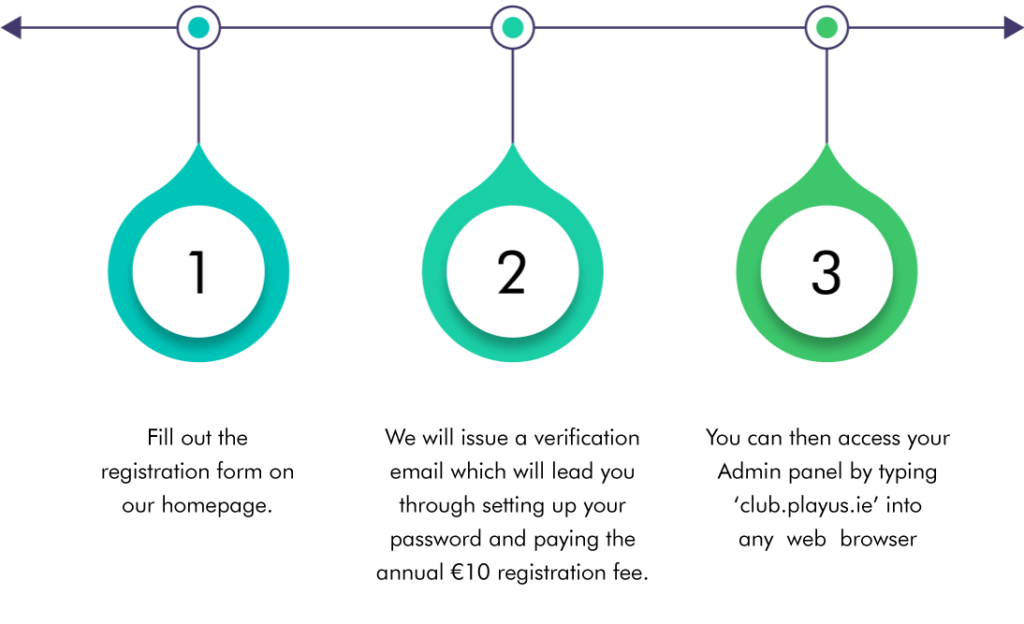
Fill out the registration form on our homepage.

We will issue a verification email which will lead you through setting up your password and paying the annual €10 registration fee.

You can then access your Admin panel by typing ‘club.playus.ie’ into any web browser
When accessing the Admin panel for the first time please ensure that your club location is correct. You will also notice there are five other email addresses linked to your account, this is for future functionality of sanctioning games.
New user setup
The verification email will lead you through setting up your password and paying the €10 registration fee. You will then be able to access your club admin panel by typing ‘club.playus.ie’ in the search bar to access your admin panel. Please ensure that your club location is correct. You will also notice there are five other email addresses linked to your account. Please note these are currently for PlayUs administration purposes only.
How to add teams
Scroll down to the bottom of your admin panel.
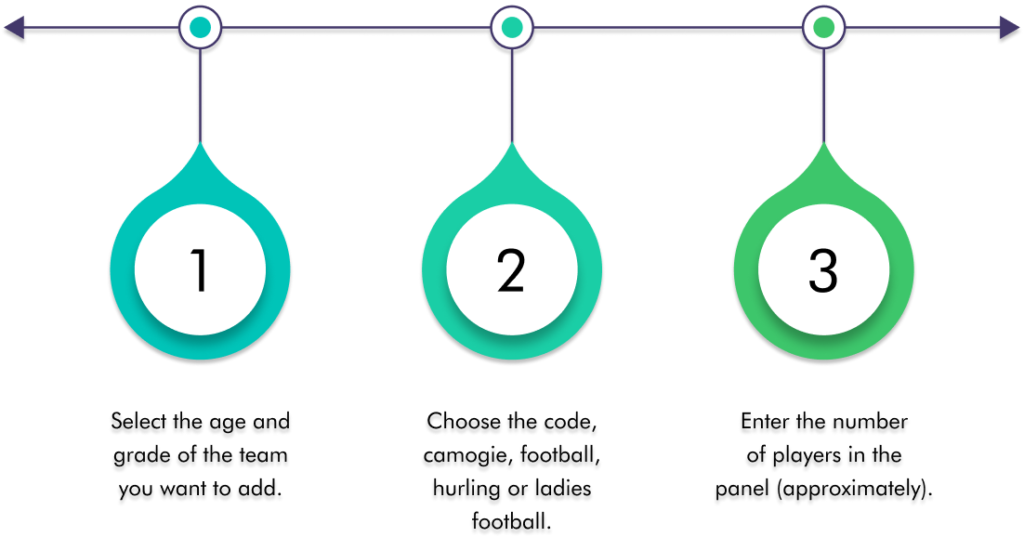
Select the age and
grade of the team
you want to add.
Choose the code,
camogie, football,
hurling or ladies
football.
Enter the number
of players in the
panel (approximately).
Select the age and
grade of the team
you want to add.
Choose the code,
camogie, football,
hurling or ladies
football.
Enter the number
of players in the
panel (approximately).
By clicking on the plus sign you can add as many teams as you like, after you have inputted the information click on update. Once you have your teams selected, you can give users access to other teams in your club.
How to assign coaches (Users) to teams
Simply go to your dashboard which is the green box on the top left corner of your screen. You will notice that there are four icons here which cover your
profile, games associated with your club, coaches and password.
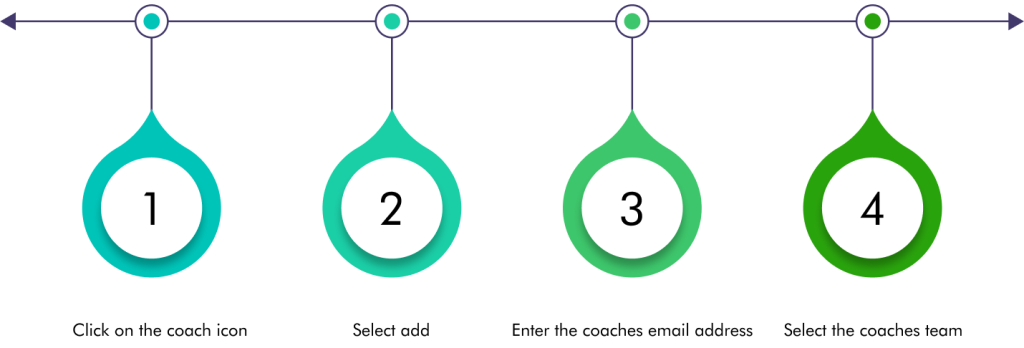
Click on the coach icon
Select add
Enter the coaches email address

Select the coaches team
Click on “save”. This will generate an automatic email to the coach allowing them to set up a password to access PlayUs