
How to Organise Games
This page explains how to
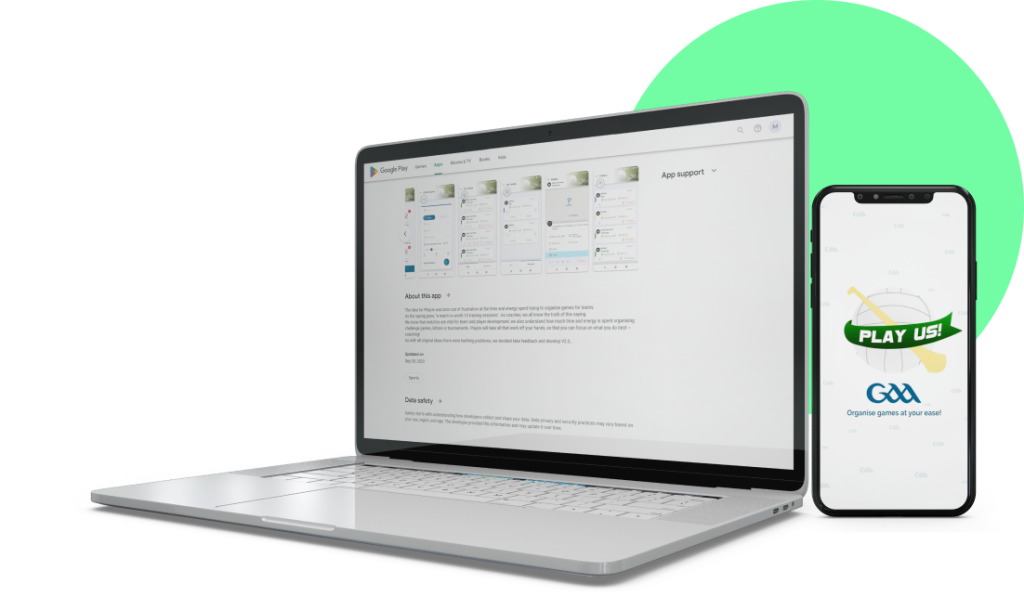
Downloading our app
Download our App by clicking on the icon below and log in using the email address and password you have set up.


Downloading our app
Open your designated app-store on your mobile phone.
Enter ‘PlayUs GAA’ in the search bar
Select the ‘PlayUs GAA’ app with the official PlayUs logo.
To download the app to your mobile device, click the ‘Install’ or ‘Get’ button.
The App will now download onto your mobile device and can be used as
soon as registration is successfully completed.
How to create a game
Once you login on your mobile phone you will land on your home page.
Once you click on the arrow in the blue circle, a message will appear on the screen which confirms how many teams have been invited within the area covered by the game invitation.
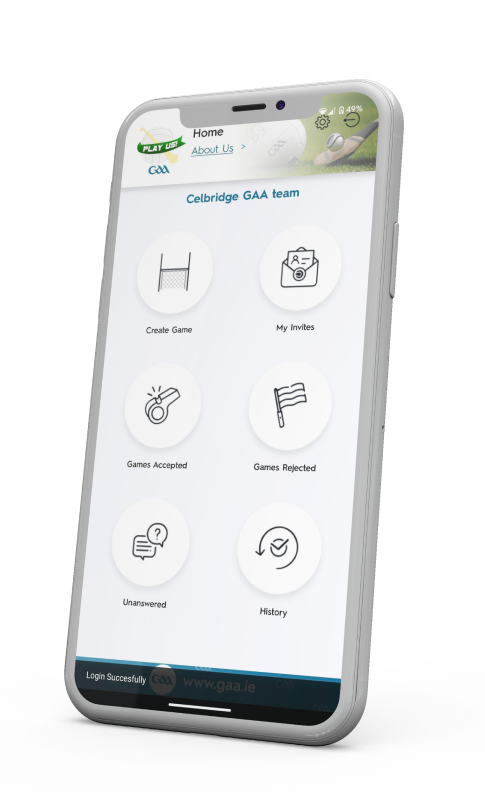

How to accept game invites steps are as follows
Once you login on your mobile phone you will land on your home page.